
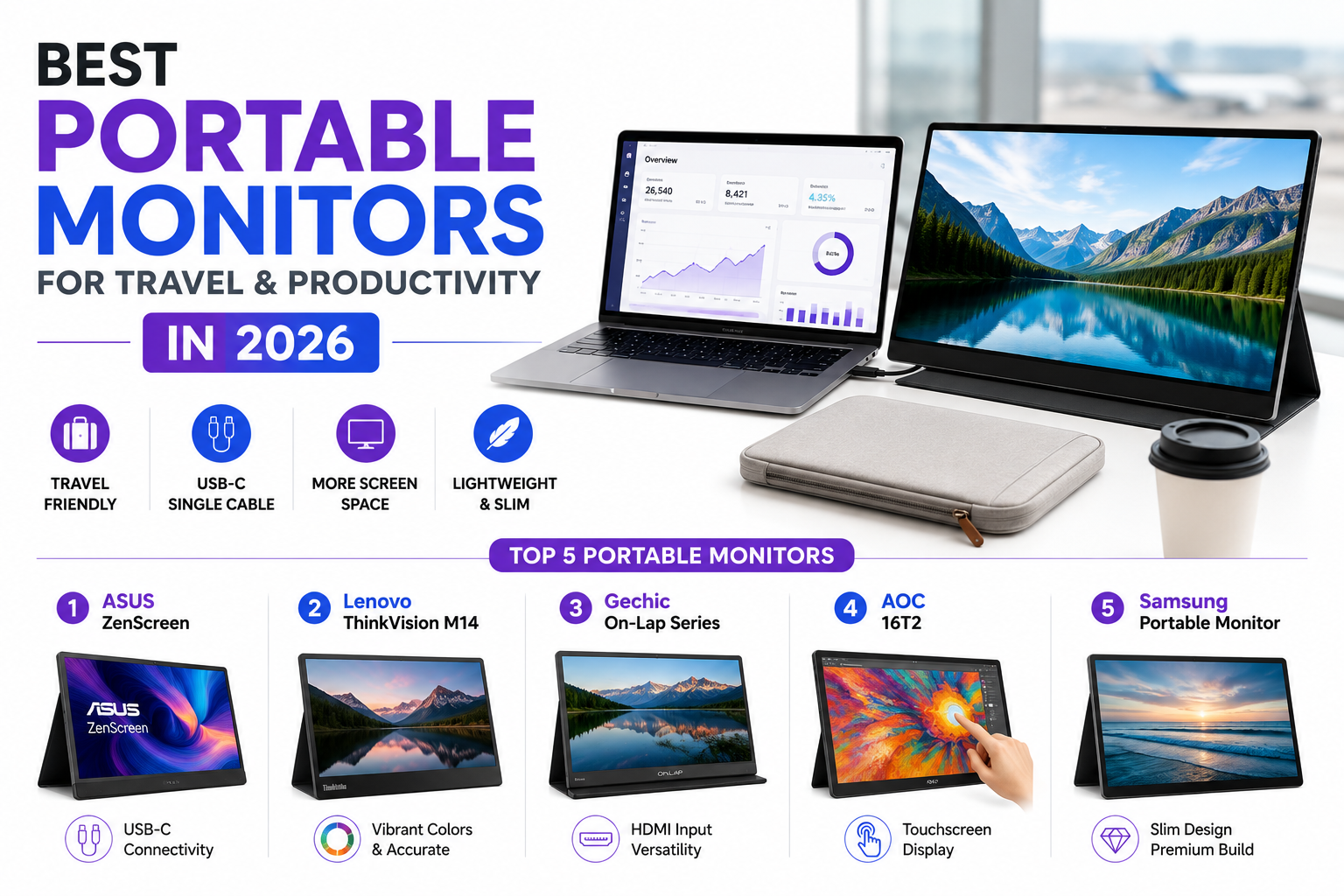
Working from a single laptop screen genuinely limits multitasking in ways that become obvious the moment someone gets used to a dual-monitor setup at a desk, forcing constant window-switching that a second screen would eliminate entirely. Portable monitors solve this specifically for people who work away from a fixed desk regularly, travelers, hybrid workers, or anyone who wants a genuine second screen without committing to a permanent desk setup. In 2026, the category has matured with lighter builds, USB-C single-cable connections that handle both power and video, and screens sharp enough to feel like a genuine productivity upgrade rather than a compromise. Here are five portable monitors worth considering this year. Most fold with a built-in cover that also doubles as a stand, meaning no separate accessory is needed just to prop the screen up at a usable viewing angle.
ASUS ZenScreen
ASUS ZenScreen remains a genuinely reliable choice with strong build quality and single-cable USB-C connectivity, appealing to users who want a dependable, well-established option without an overly niche or generic assembly.
www.asus.com/displays-desktops/monitors/zenscreen
Lenovo ThinkVision M14
Lenovo ThinkVision M14 offers a genuinely compact, lightweight design well-suited to travel, with strong color accuracy that appeals to users doing color-sensitive work like photo editing away from their main desk setup.
Gechic On-Lap Series
Gechic’s On-Lap monitors target users needing HDMI input specifically for connecting to gaming consoles or cameras in addition to a laptop, appealing to users with more varied device connectivity needs than a laptop alone.
AOC 16T2
AOC 16T2 adds touchscreen capability to a portable monitor, appealing to users who want direct touch interaction for presentations or creative work rather than relying purely on a laptop’s trackpad or mouse.
Samsung Portable Monitor Series
Samsung’s portable monitor lineup offers genuinely vibrant color reproduction and slim, premium build quality, appealing to buyers who want a display that feels like a natural extension of a modern laptop’s own screen quality.
Specific use case should guide the choice more than general spec comparisons alone. Users doing color-sensitive creative work benefit from Lenovo ThinkVision M14 or Samsung’s stronger color accuracy over more generic budget options. Users needing to connect gaming consoles or cameras alongside a laptop specifically need Gechic’s broader HDMI input support rather than a USB-C-only design. Presenters and creative professionals who want direct touch interaction should prioritize AOC 16T2’s touchscreen capability, a feature most competitors in this category don’t offer at all. It’s worth checking a specific monitor’s actual power draw against your laptop’s USB-C port output before buying, since some underpowered laptop ports can’t fully power a portable monitor without a separate power source. It’s also worth measuring the actual available desk or tray space before buying, since even a compact portable monitor still needs somewhere stable to sit alongside an open laptop.
A portable monitor genuinely closes the productivity gap between working at a proper dual-monitor desk setup and being stuck with a single small laptop screen while traveling or working remotely. Match your pick to your specific connectivity needs and how much you value color accuracy or touch input, and the extra screen space pays for itself the first time it lets you keep a reference document open while actually working in another window. Once you’ve worked with a second screen regularly, going back to just one starts to feel genuinely limiting.